Start with what you sell
Use garment or product references to guide the shot. Keep the details that matter in view.
Plan apparel shoots, product scenes and campaign videos in one workspace. Bring your references, choose a model, and see the price before you create.
Pay per use · No monthly subscription · Review the price before you create
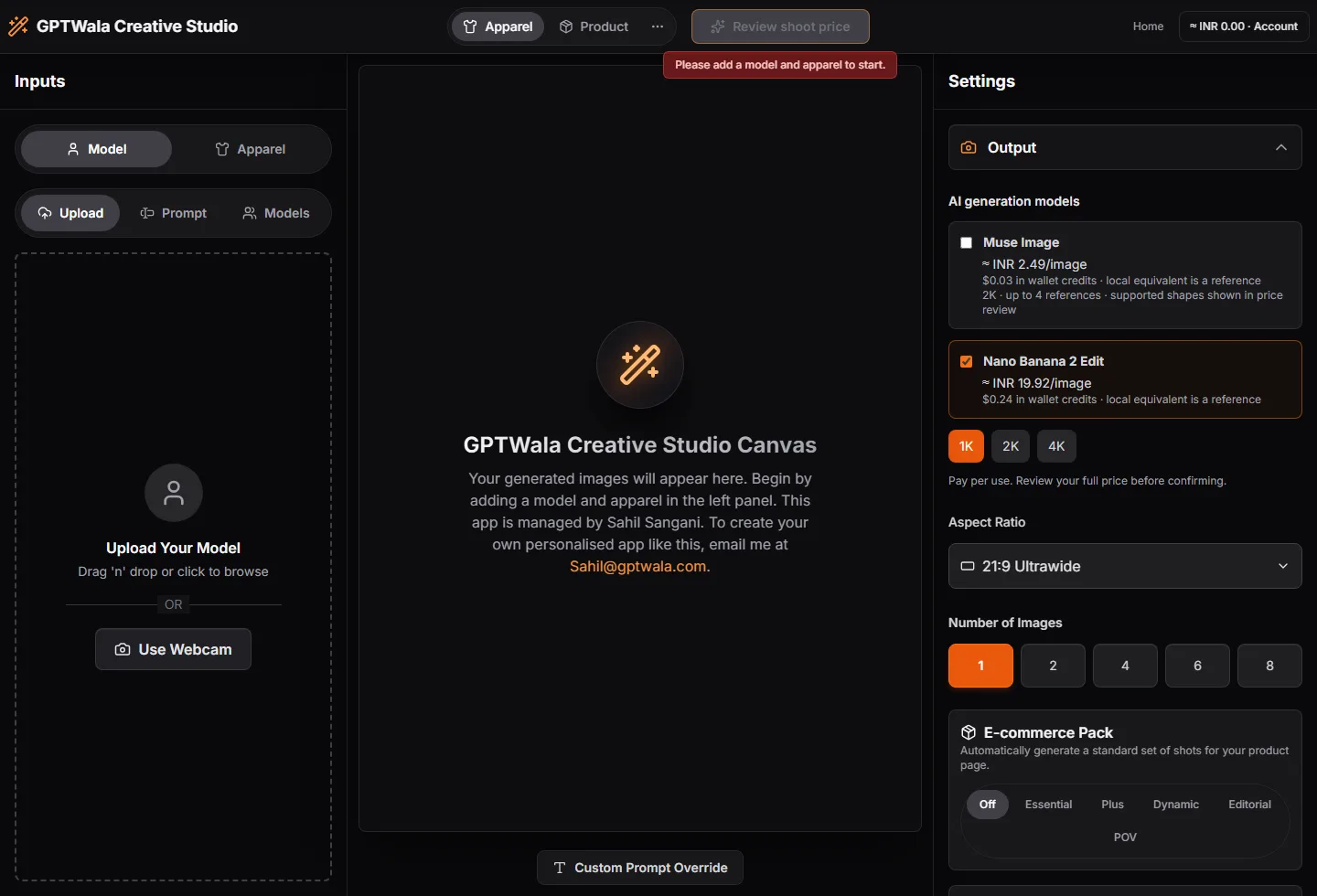
Keep the brief, model choice and spending review close to the work.
Use garment or product references to guide the shot. Keep the details that matter in view.
Compare supported models within the studio. Review the price for your selected settings before confirming.
Find your creations, wallet activity and support conversations together in your account.
A collection launch, a fresh listing or your next campaign. Start with the workflow that fits.
Start with one focused idea. Review the result before using it in a listing or campaign.
Walk through the processUpload clear references and set the look, scene and format in the studio.
Select a supported model. Review the quoted total or maximum credit reservation.
When generation is available, submit your request. Inspect the result against the original and save the files you need.
Your product decisions deserve more than a promise. See the prices, check availability and keep your account preferences in view.
Add funds to your wallet and spend on confirmed generation requests. Model units and settings determine the quote.
Compare model pricesIndia recharge totals include 18% GST. Tax and spendable credit are shown separately. International checkout is not open yet.
Check the service notice on this page. When generation is paused, you can sign in, explore the workspace and prepare a brief. Prepaid credits cannot be used for generation until it resumes.
No. GPTWala Creative Studio uses a prepaid wallet and pay-per-use generation. Review the quoted price or maximum reservation before confirming work.
Choose from the models supported in the selected studio. Model inputs, resolutions and billing units differ. The pricing page shows the catalogue; the studio shows the choices supported in that workflow.
A failed output releases its reserved credits. An uncertain provider outcome may stay under review until checked, to avoid duplicate requests or charges.
Sign in and open Your account, then Creations. Review the details in each result and download the outputs you want to keep.
Sign in, explore the controls and prepare your brief.